For Team Members
What you can do as a team member, and how to log in for the first time.
What you can do
You have five capabilities in the team dashboard.
- Initiate security scans. Start new scans on repositories that have been shared with the team.
- View scan results. Access and analyse results from any scan run by the team.
- Team dashboard. See team activity and recent scans.
- Repository access. Work with the repositories your team owner has shared.
- CI scans. Generate API keys for CI scans, where the plan supports it.
Logging in
-
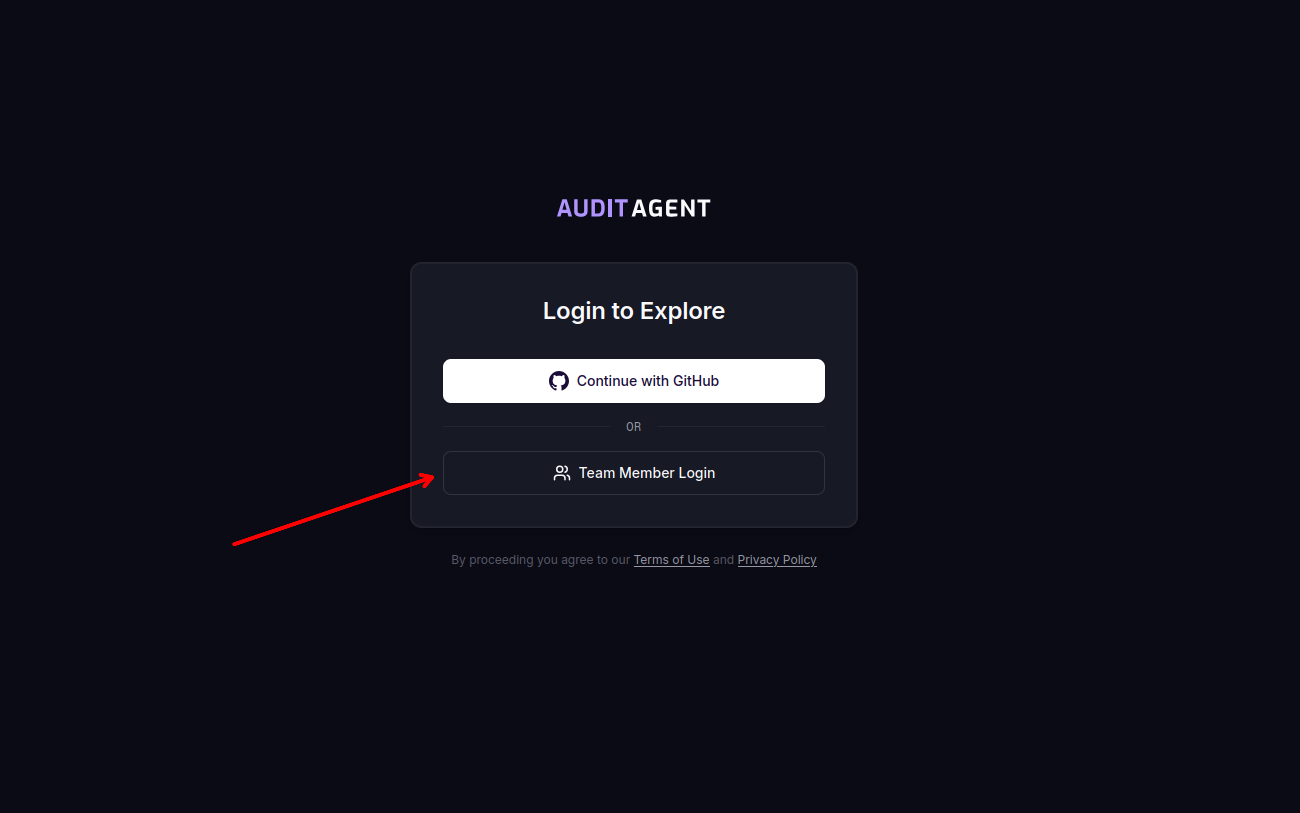
Click Team Member Login on the login page.
-
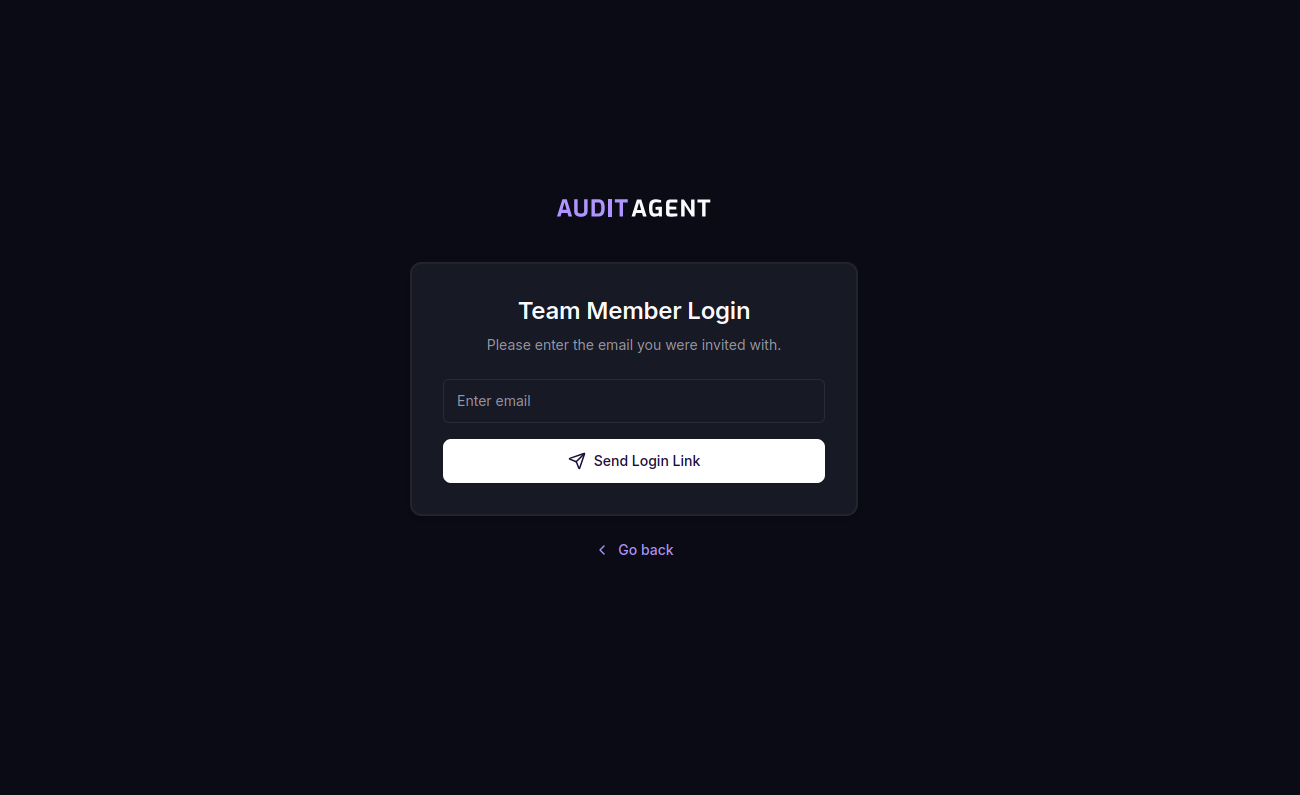
Enter your registered email and click Send Login Link.
-
Open the magic link in the invitation email. Clicking it accepts the invitation and signs you in to your account.
-
You will be redirected to the dashboard and can start working.
Switching between workspaces
Once you have accepted an invitation, you do not need to log out and back in to move between your personal workspace and a team workspace. The dashboard lets you switch directly.
One sign-in, multiple workspaces
A single sign-in covers every workspace you belong to. Use the workspace switcher in the dashboard to move between your personal scans and any team you are a member of.